Self-hosted Analytics with Umami on Vercel

Several months ago, I replaced @vercel/analytics with Google Analytics as web analytics in shenlu.me.
However, I still did not satisfy some features of Google Analytics:
Google Analyticsoffers a wide range of features including audience demographics, behavior analysis, conversion tracking, e-commerce tracking, and more. However, it is overwhelming for me due to its extensive features and complex interface.Google Analyticscollects a large amount of user data, raising privacy concerns, especially after changes in regulations likeGDPRandCCPA.Google Analyticsusers do not have full control over their data as it is stored on Google's servers, leading to potential data security risks and dependency on Google's platform.
Due to these reasons, I tried to find a better web analytics service. Then I chose Umami as an alternative of Google Analytics.
I use Umami for web analytics because of these features I need:
Umamican be self-hosted, meaning all data is stored on my own server, such as Vercel, which make me have full control of the data and enhance privacy and data ownership.Umamioffers a simple and clean interface, making it easy to set up and use without the complexities of other analytics platforms.Umaniprovides real-time analytics, allowing you to monitor website activity as it happens.Umaniis open source and developed withNext.jsandTypeScript, which means I can customize for my specific needs.
Self-hosted Umami on Vercel
The way of self-hosted Umami I used is forking source code on GitHub and deployed it on Vercel directly.
1. Fork Umami Repository on GitHub
Visit the Umami.is code repository, click on "Fork" in the top right corner to fork it to my own account.
2. Setup Database for Umami on Vercel
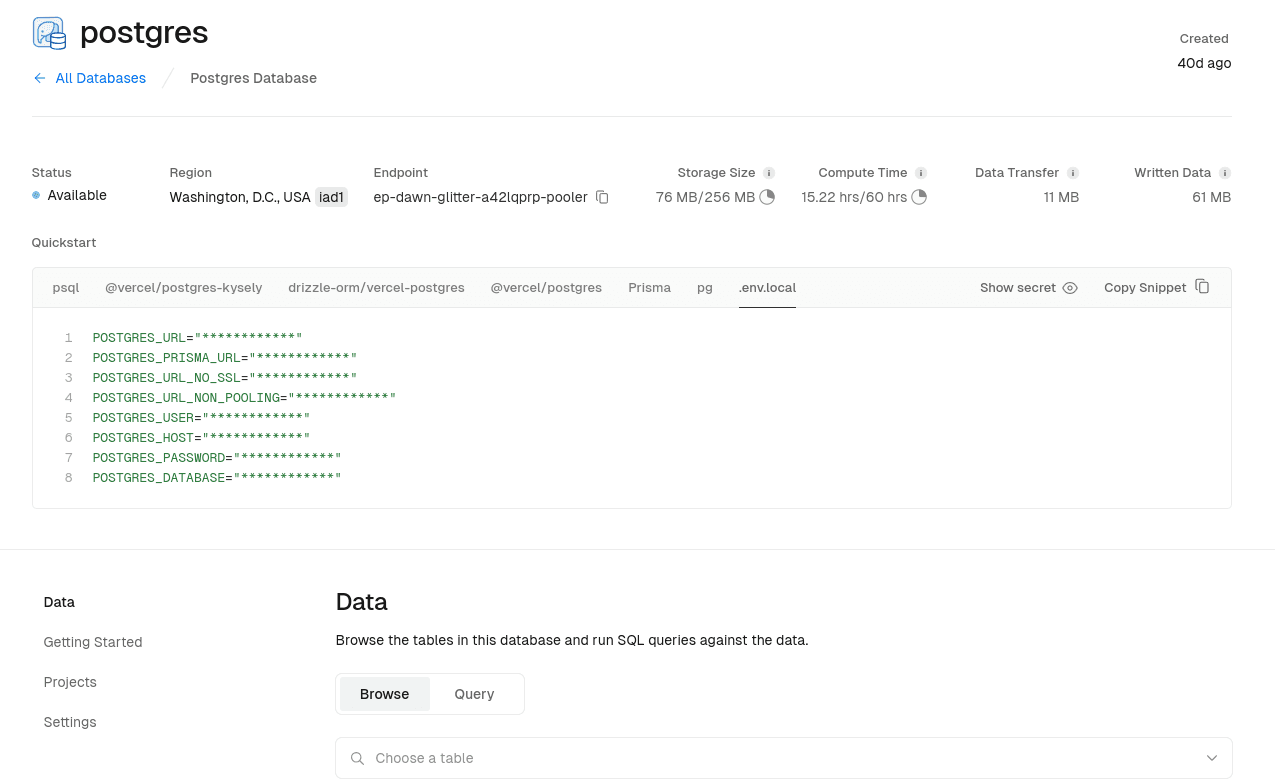
Umami supports both MySQL and PostgreSQL databases. Thus I chose to use Vercel Postgres as database for my Umami,
and copy all environment variables generated with creating new Vercel Postgres.
3. Deploy Umami on Vercel
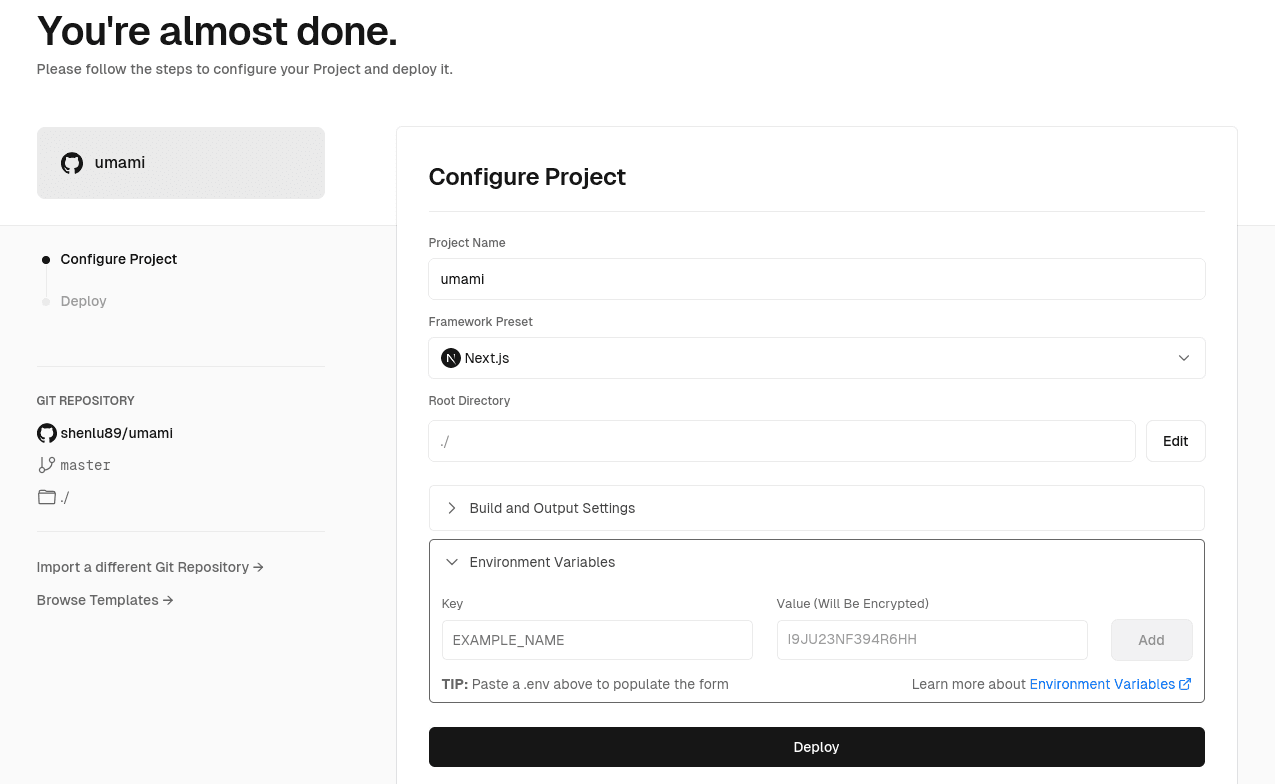
Import forked Umami from my GitHub account and set environment variables for Vercel Postgres
via pasting the environment variables copying from creating Vercel Postgres into Environment Variables panel.
Then click "Deploy" to complete the deployment.
FAQ about Umami
How to Update Umami on Vercel?
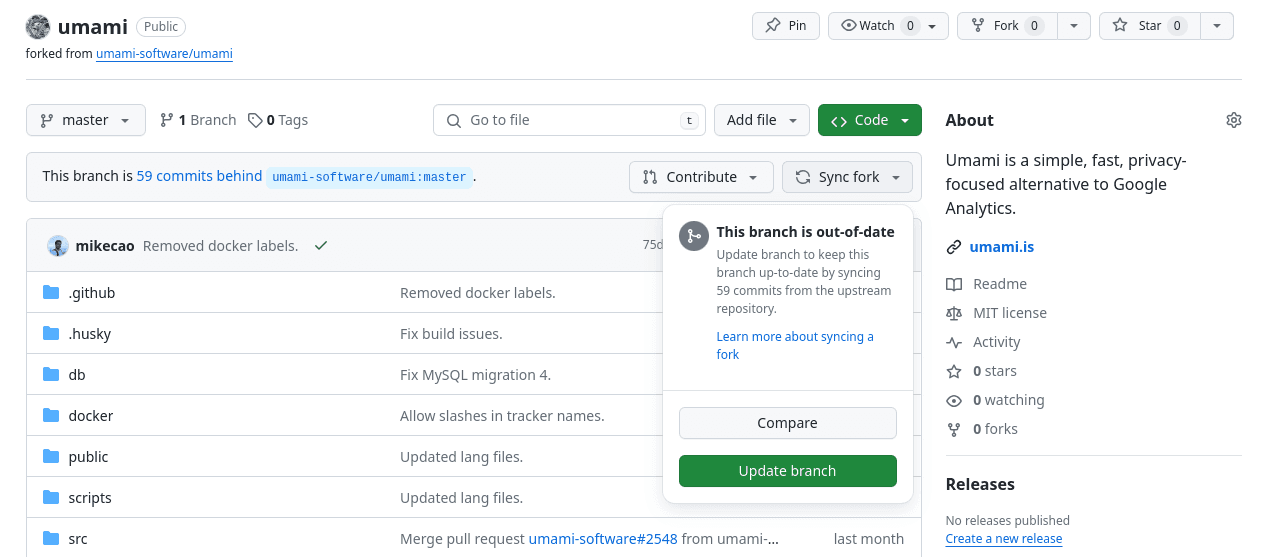
If you want to update Umami to latest version, you just click "Sync fork" and "Branch update".
The latest version of Umami will automatically deploy via Vercel GitHub App.
Is Vercel Postgres enough for storing collected data from Umami?
I think it is enough for me. You can see the usage of the databases on my Vercel Postgres.
It is approximately 2000 vistors per month stumbled upon my blog.